Quickstart
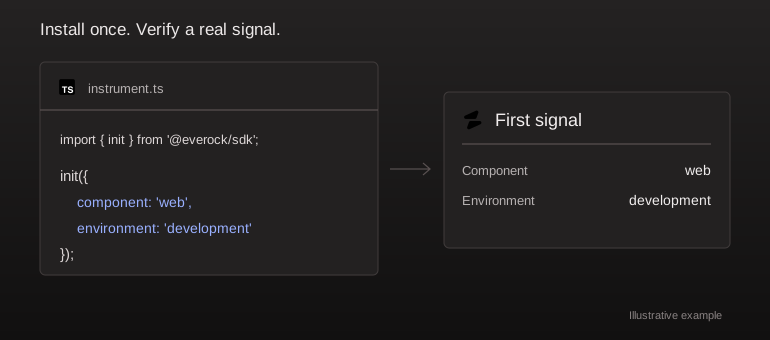
Connect a project, install one runtime, and verify your first real event.
Create your project
Create a project in the dashboard and give it a name. An empty project is ready for installation; it does not have production measurements yet. Use Onboard your agent for the setup prompt, or follow the framework guides below.
Connect your agent (optional)
Authenticate the local CLI using the API URL for your deployment. In a source checkout, the executable is available through the workspace:
pnpm --filter @everock/cli start login --api-url http://localhost:4001
Approve the device login in your browser. Your agent can reuse that session through the local MCP server. See CLI and MCP for the complete setup.
Install your runtime
Install the public JavaScript beta in your application. Browser, Node.js and edge runtimes use the same package. Set the collector URL to a running Everock API that your application can reach. The Next.js, Vite and NestJS tabs use locally built adapters. Follow the linked framework guide to build the archive and substitute its actual path.
npm install @everock/sdk@beta
import { init } from '@everock/sdk';

init({
  publicKey: 'pk_YOUR_PROJECT_KEY',
  endpoint: 'https://collector.example.com',
});
The browser SDK observes the browser. Install the Node or edge entry in your backend too when your application includes server routes, workers, or separate APIs. A GitHub connection adds repository access; it does not install telemetry.
Verify an event
Use the actual public key and collector URL from your project. Generate one intentional handled error in a development environment and confirm it arrives under the correct project, component, environment, and release.
import { captureError, flush } from '@everock/sdk';
captureError(new Error('Everock setup verification'), { handled: true });
await flush();
Remove this test after verification. A received event confirms that runtime's delivery path; it does not prove that every service has been instrumented.