Session replay
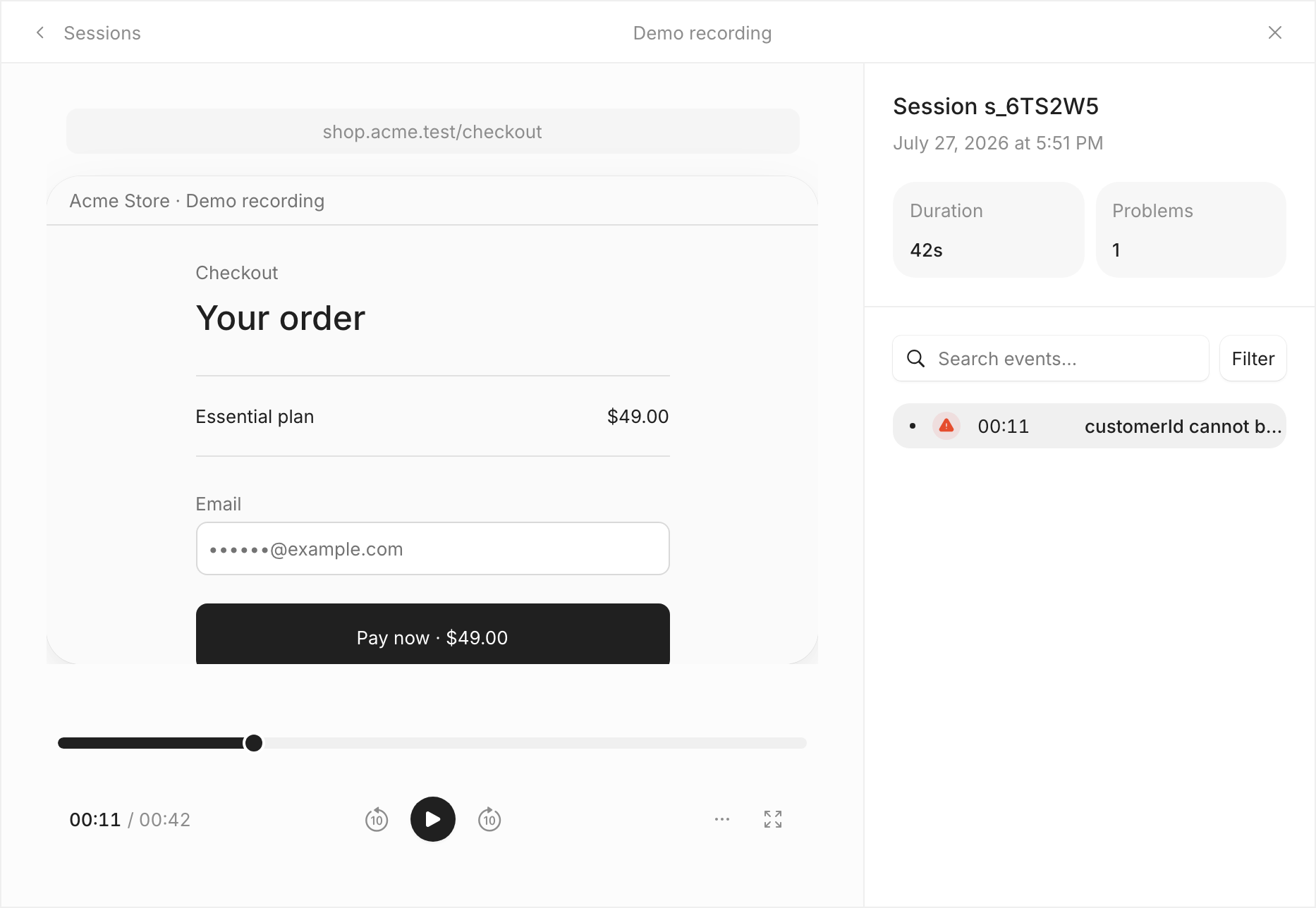
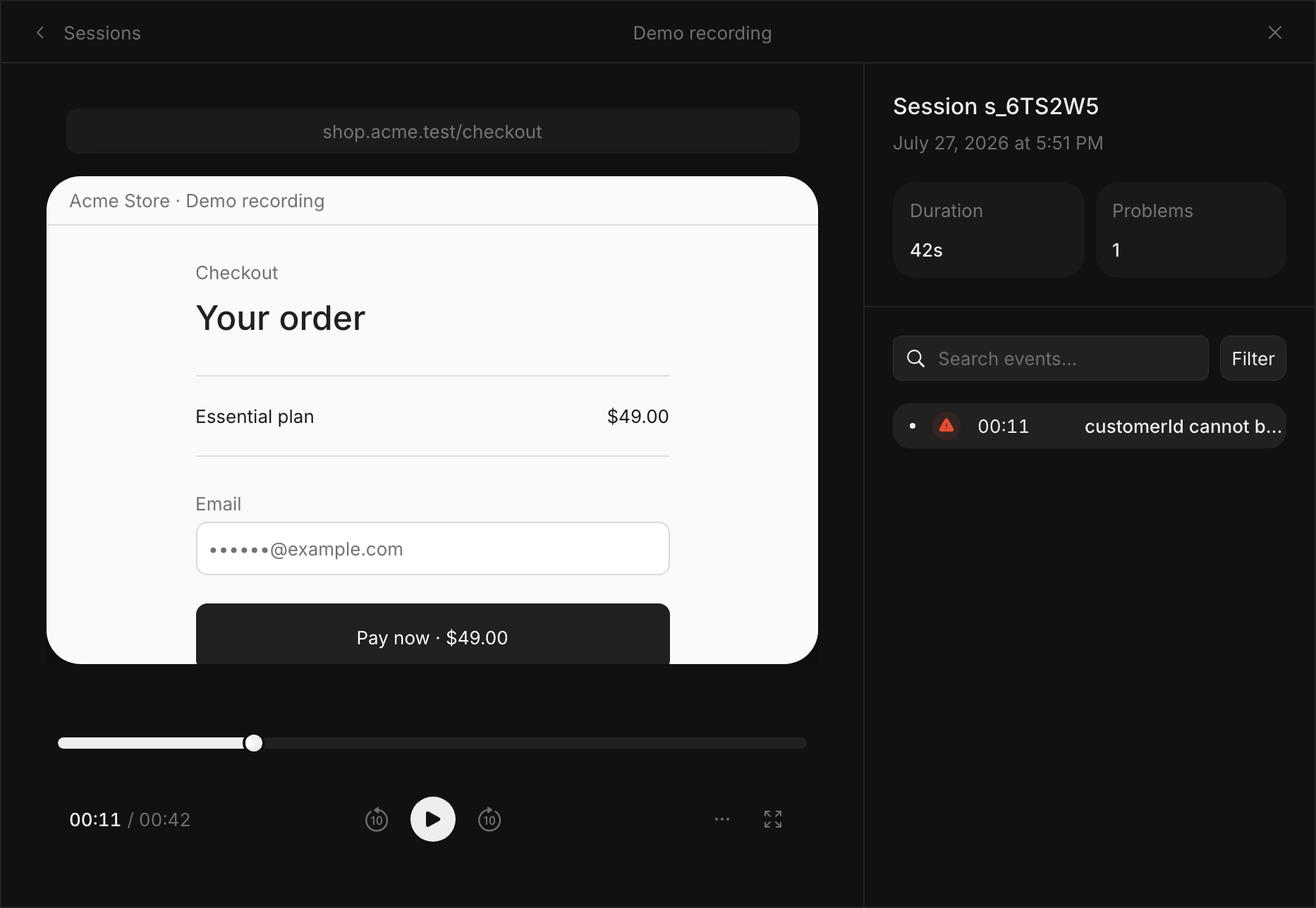
Record limited DOM context around an error, with masking and consent.
Enable deliberately
Replay is a browser feature built on rrweb DOM events, not a screen video. It is disabled locally by default. The project Browser SDK replay setting and visitor consent must also permit capture.
import { init } from '@everock/sdk';
init({
  publicKey: 'pk_YOUR_PROJECT_KEY',
  endpoint: 'https://collector.example.com',
  sessionReplay: {
    enabled: true,
    sampleRate: 0.1,
    bufferMs: 60_000,
    postErrorMs: 20_000,
    maskAllInputs: true,
    maskAllText: true,
  },
});
The defaults retain up to 60 seconds before the triggering error and 20 seconds after the latest error. Triggered chunks normally upload every three seconds. Sampling chooses eligible sessions; it does not guarantee a replay for every error.
Protect content
Input values are masked by default. Use data-everock-mask to mask text selectively, data-everock-block to exclude a subtree, and data-everock-ignore for ignored interaction capture. Review the actual rendered application before enabling replay on sensitive journeys.
<section data-everock-block>Private account details</section>
<span data-everock-mask>Customer-specific text</span>
Find a replay
Open an affected session from an incident or user detail. An unavailable replay can mean local opt-out, remote opt-out, consent denial, sampling, failed delivery, expiry, or missing storage configuration. A session row does not guarantee a playable recording.
See privacy and consent and users and sessions.