Errors and detection
Understand why an event becomes evidence, an anomaly, or an incident.
Capture is not the same as notification
Everock records a signal's source, mechanism, severity, handled state, and optional operation or HTTP status. The classifier decides whether it is evidence, an anomaly to correlate, or an actionable incident.
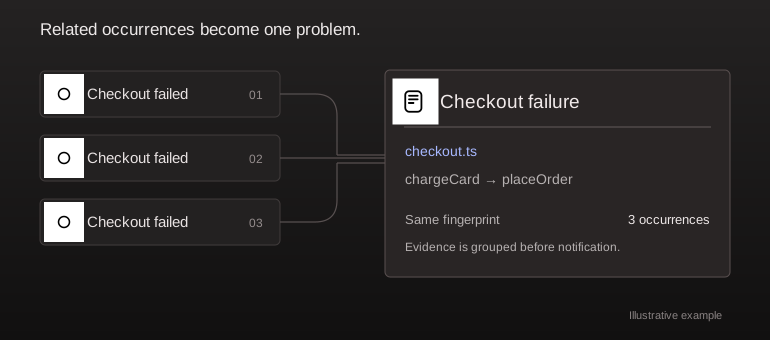
A handled validation error is different from a process crash. A single failed request does not necessarily create an Inbox problem. Related failures are grouped instead of creating one new problem per occurrence.
import { captureError } from '@everock/sdk';
captureError(new Error('Checkout could not complete'), {
  handled: true,
  mechanism: 'business_failure',
  level: 'warning',
  operation: 'checkout.submit',
});
Detection thresholds
Default correlation uses a five-minute window, five occurrences, two contexts, and a server-occurrence threshold of ten. Immediate failures and classification rules can take different paths; these numbers are not a universal count for every signal type.
Owners can inspect advanced settings in the platform or through get_detection_settings. MCP tools can update only requested detection fields or reset the recommended settings. These tools do not change notification destinations or active-monitor schedules.
Follow the lifecycle
Open the incident to inspect evidence and user impact. Your agent adds findings, progress, and a proposed fix. Resolve after verification. New evidence can reopen a problem according to its lifecycle; recurring events are not guaranteed to create fresh notifications each time.
See Activity & Findings and notifications.